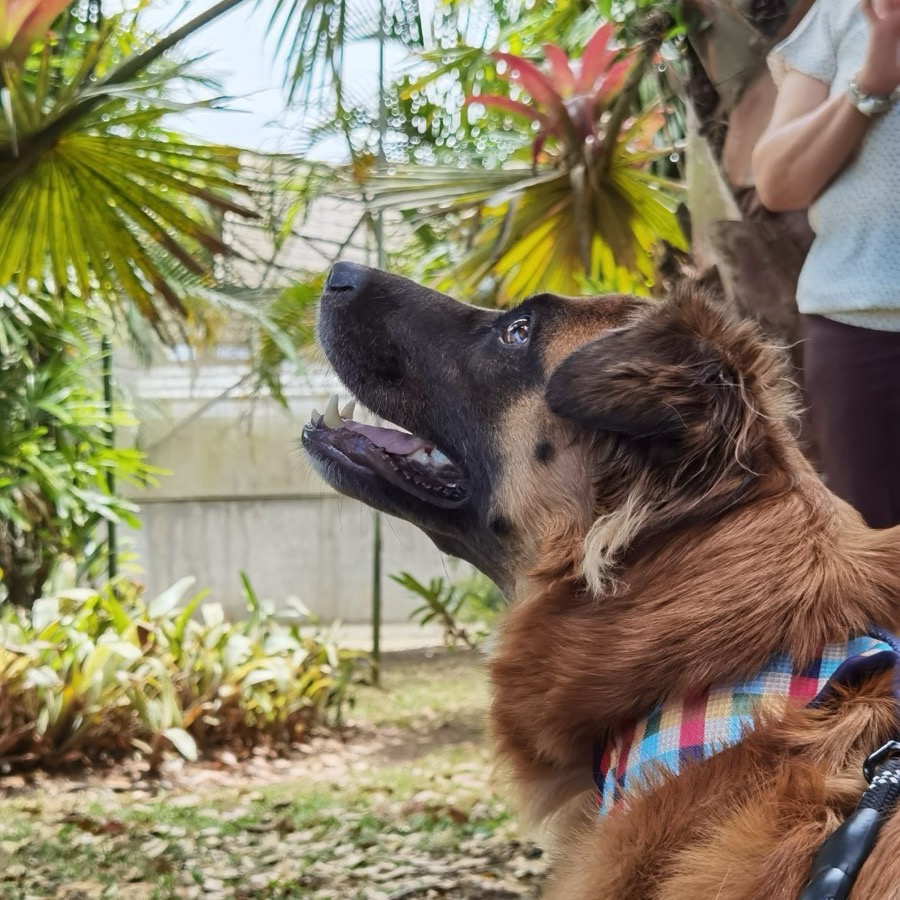
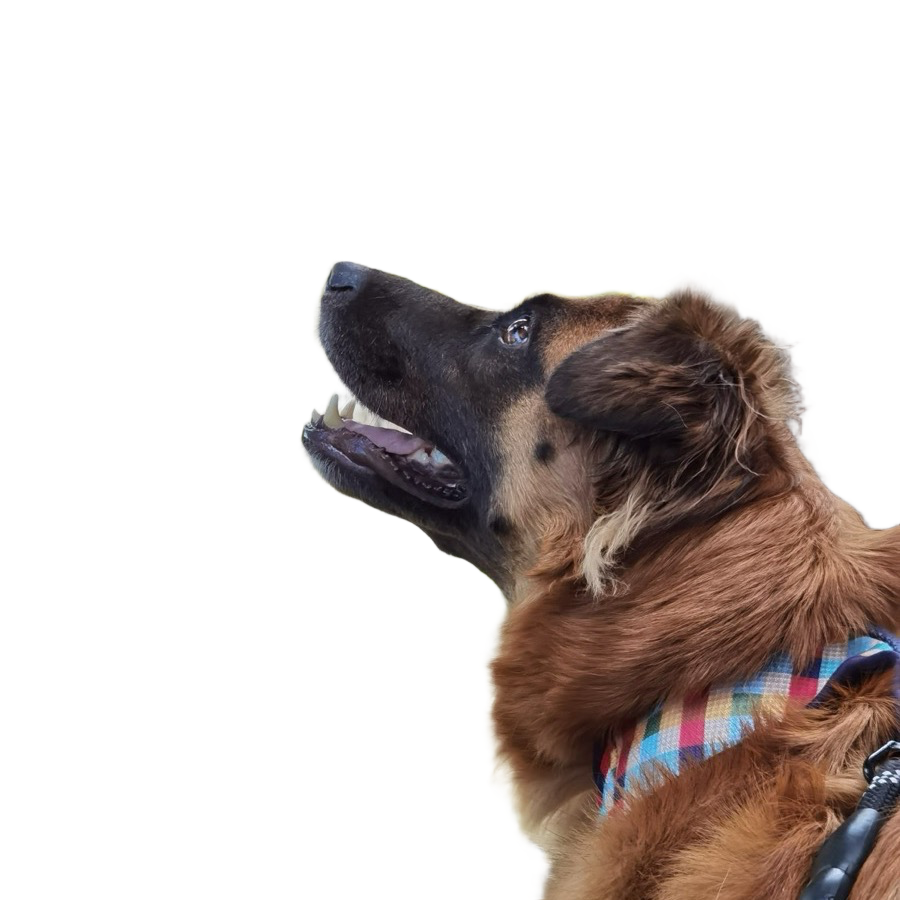
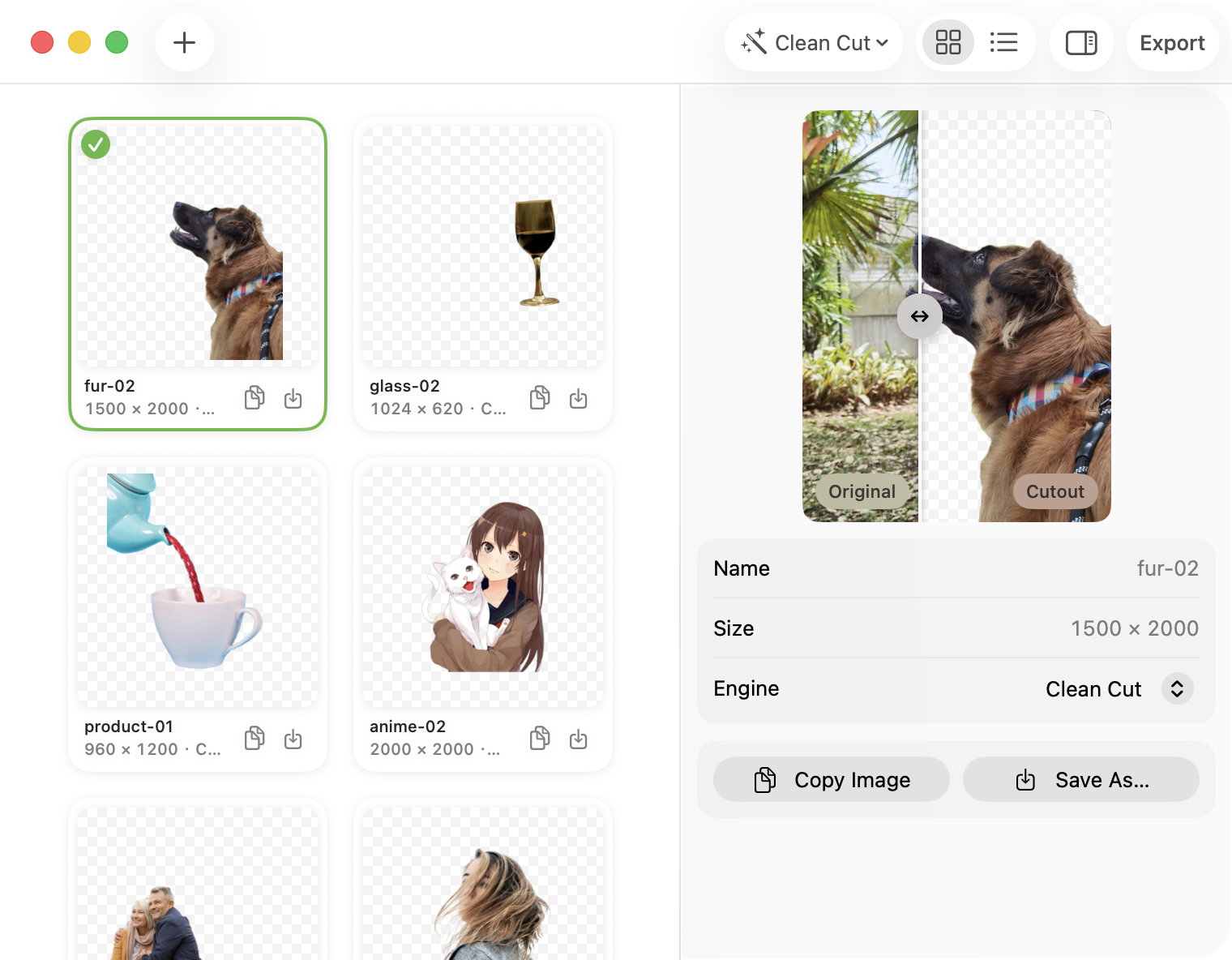
Drag the handle — this is a real result, fur and all.
Three engines
Same photo, different answers
Most tools give you one model and call it a day. Pluck ships three,
because pictures disagree about what "the subject" is — and sometimes the
interesting question is which answer you meant.
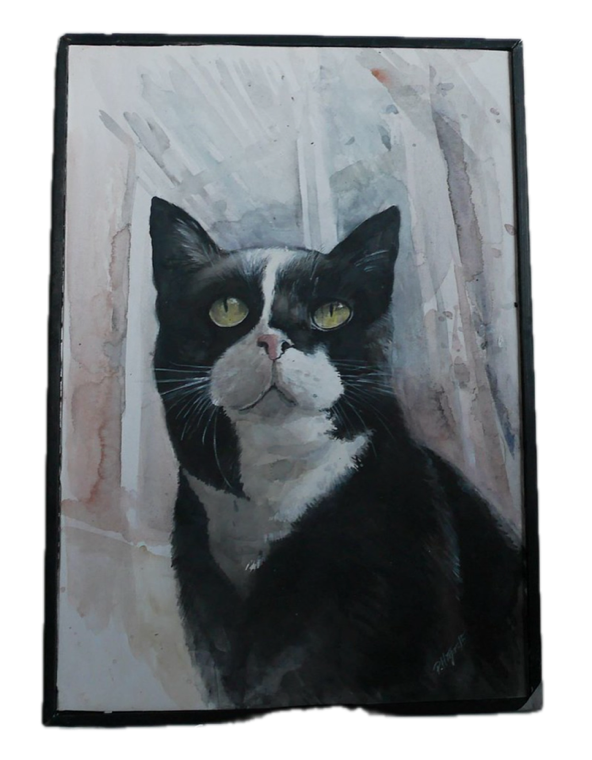
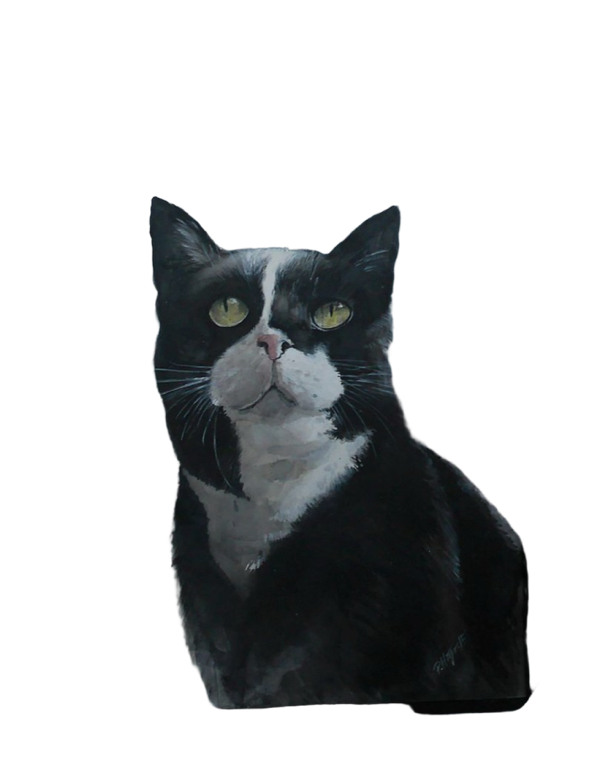
A photo of a painting
Apple Vision lifts the framed painting — the object.
Clean Cut reaches into the frame and takes the cat.
Drag to compare the two answers.
VisionClean Cut
A glass of wine
Fine Edges keeps real transparency — the checkerboard shows
through the glass, because glass is see-through. No other engine here does that.
OriginalFine Edges
Why Pluck
Small, sharp, and honest about how it works
Nothing to upload, nowhere to leak
Matting runs on your Mac's own silicon — Apple's Vision framework or a local
Core ML model. There's no account and no upload path in the app. At all.
Three engines, three opinions
Vision answers instantly and says so when there's no subject. Clean Cut nails
hard edges and line art. Fine Edges keeps every strand of hair. Switch per
photo, compare live.
A Mac app, not a website in a box
Drag in, or just ⌘V. One window: your cutouts in a grid or a list, a
before/after wipe beside them, export when you're done. It behaves like your
other windows because it's built like them.
Your agent can drive it
The same engine ships as a pluck CLI — JSON output, honest exit
codes, no GUI. Claude or any coding agent can batch a folder in one line.
Big models, only if you ask
The high-quality engines are an 83 MB download away, checksummed against
the signed app. Update checks compare local files — they cost zero network
requests.
Free means free
No watermark. No "HD unlocks for $9.99/week". No trial timer.
MIT-licensed — read the code, build it yourself, keep it forever.
The app
One window, everything in reach
Cutouts land in a grid or a list; the inspector compares each one
against its original and switches engines in place.
The real window — grid, inspector, and a wipe that starts at the golden section.
Privacy
The complete list of what ever goes online
A privacy promise is worth exactly what its exceptions are worth.
Here are all of them — both of them:
Model download
Only when you click Download or run pluck models pull. Fetched
from this repo's GitHub Releases and verified against a checksum pinned inside
the signed app.
Off switch Doesn't happen unless you ask.
Update check
Once a day the app asks GitHub if there's a newer version. Nothing about you
or your photos goes along for the ride.
Off switch Settings → General. Off means silence.
Terminal & agents
The same engine, one command away
Structured output, meaningful exit codes, no GUI ever. Script it
yourself, or hand the included agent skill to Claude.
pluck photo.jpg # → photo.png, background gonepluck shots/*.jpg -o cutouts/ --json # a folder at a time, NDJSON outpluck photo.jpg --model birefnet-lite-matting
pluck models list # what this machine can run